Activity Logs
Track who changed a record, when they changed it, and what data changed.
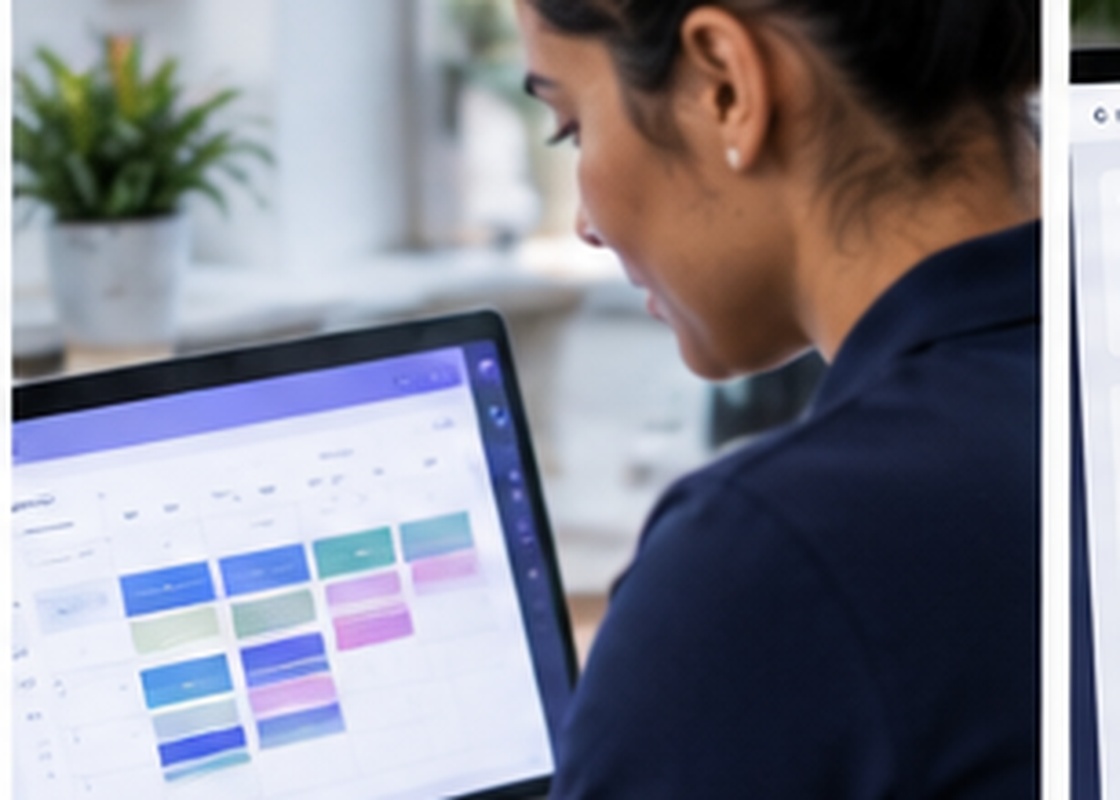
When a price looks wrong or an address changed, you should not have to guess. The Cleaner CRM records changes to key records - the user, the timestamp, and the before/after values.
What it looks like day to day
A quick look at how this shows up in the dashboard. In a walkthrough we run it against your own jobs and data.
What activity logs covers
Who, when, what
Every logged change shows the user, the time, and the fields that changed.
Before and after values
See the old value and the new value side by side, not just that "something changed".
Record-level history
Open the history on a single order, customer, or cleaner.
Business-wide feed
A filterable stream of recent activity across the whole account.
Filter by user or type
Narrow to one person, one record type, or one date range.
Supports access reviews
Pair the log with role-based access to answer security questions quickly.
Four steps
Something changes
A user edits an order, a price, a customer, or a permission.
It is recorded
The change is written to the log with user, time, and values.
You review
Open the record's history or the account-wide feed and filter.
You act
Correct the data, have a word, or tighten a permission.
Why it matters
Common questions
How long are logs kept?
Can the logs be edited?
More of the platform
Lead Management
Track website, call, bot, email, organic, Google Ads, Meta, and AI leads in one pipeline.
ExploreOrder Management
View, filter, update, assign, confirm, reschedule, and complete every job.
ExploreCleaner Scheduling
Availability, time slots, routes, holidays, earnings, deposits, expenses, and profiles.
Explore